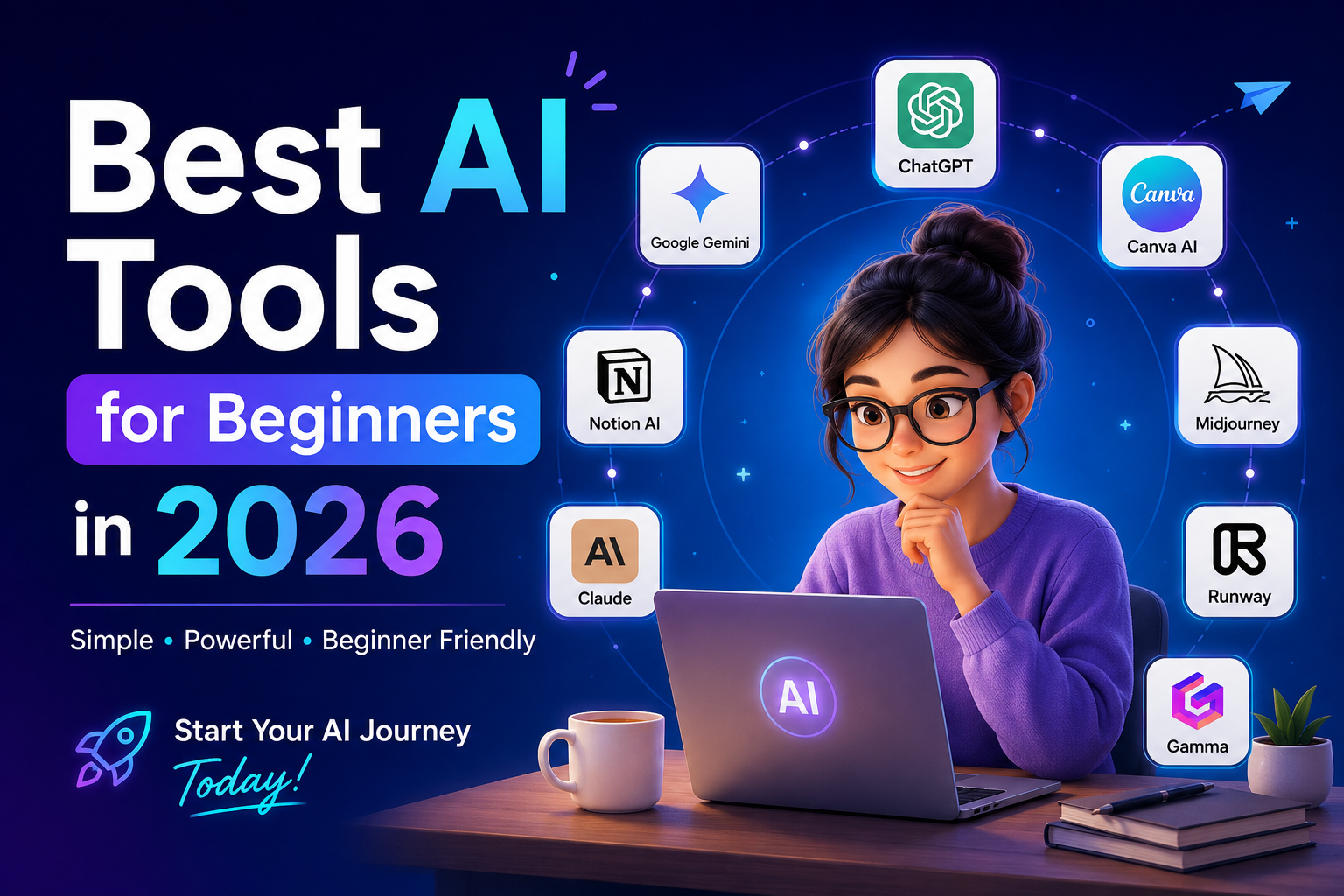
Artificial Intelligence is no longer just for developers or tech experts. In 2026, AI tools have become simple enough for students, freelancers, marketers, business owners, content creators, and even complete beginners.
Whether you want to write blogs, create social media posts, design graphics, generate videos, build websites, or automate repetitive tasks, there’s an AI tool that can help.
In this guide, we’ll explore the best AI tools for beginners in 2026, what they do, and why they’re worth trying.
Why Beginners Should Start Using AI
AI can help you:
- Save hours every week
- Improve productivity
- Generate creative ideas
- Write better content
- Design without experience
- Create videos quickly
- Learn new skills faster
- Automate repetitive work
The best part? Most tools offer free plans to get started.
1. ChatGPT
Best For
Writing, brainstorming, coding, research, and everyday productivity.
Features
- Write blogs and articles
- Generate emails
- Solve coding problems
- Create business plans
- Learn new topics
- Summarize documents
- Translate languages
Pros
- Extremely beginner-friendly
- Supports multiple file types
- Great conversational interface
- Suitable for almost every profession
Free Plan
Yes
2. Google Gemini
Best For
Research and Google Workspace users.
Features
- Deep research
- Email drafting
- Spreadsheet assistance
- Presentation help
- Image understanding
Pros
- Excellent integration with Google products
- Fast responses
- Great for students
3. Claude AI
Best For
Long-form writing and document analysis.
Features
- Read lengthy PDFs
- Create detailed reports
- Brainstorm ideas
- Write professional content
Why Beginners Love It
Claude explains complex topics in simple language.
4. Canva AI
Best For
Graphic design without design skills.
Features
- Magic Design
- AI Image Generator
- Presentation Builder
- Background Remover
- Social Media Templates
Perfect For
- Instagram creators
- Small businesses
- Students
- Freelancers
5. Microsoft Copilot
Best For
Office productivity.
Features
- Excel formulas
- PowerPoint creation
- Word document writing
- Outlook email drafting
Ideal for professionals already using Microsoft Office.
6. Grammarly AI
Best For
Writing improvement.
Features
- Grammar correction
- Rewrite suggestions
- Tone adjustment
- AI writing assistance
Perfect for students and professionals.
7. Notion AI
Best For
Note-taking and organization.
Features
- Meeting summaries
- Task planning
- Knowledge management
- AI writing
Great for managing both personal and work projects.
8. Perplexity AI
Best For
Research with citations.
Features
- Accurate answers
- Source citations
- Quick research
- Follow-up questions
Ideal for students and researchers.
9. Midjourney
Best For
AI image generation.
Features
- Artistic illustrations
- Product mockups
- Posters
- Concept art
- Marketing visuals
Great for creators who want professional-quality artwork.
10. Adobe Firefly
Best For
Commercial image creation.
Features
- Text-to-image
- Generative Fill
- Text effects
- Image editing
Excellent for designers and marketers.
11. Runway ML
Best For
AI video editing.
Features
- Background removal
- Video generation
- Motion graphics
- AI effects
Perfect for YouTubers and content creators.
12. Pika Labs
Best For
Creating AI videos from text.
Features
- Text-to-video
- Image animation
- Cinematic videos
- Social media clips
13. ElevenLabs
Best For
AI voice generation.
Features
- Human-like voices
- Voice cloning
- Audiobooks
- Narration
Perfect for YouTube creators and podcasters.
14. Gamma
Best For
Creating presentations.
Features
- AI slide creation
- Beautiful templates
- Reports
- Pitch decks
No PowerPoint skills required.
15. Cursor AI
Best For
Beginner programmers.
Features
- AI coding assistant
- Bug fixing
- Code explanation
- Auto-completion
Makes learning programming much easier.
Comparison Table
| Tool | Best For | Free Plan |
|---|---|---|
| ChatGPT | Writing & Productivity | ✅ |
| Gemini | Research | ✅ |
| Claude | Long Documents | ✅ |
| Canva AI | Design | ✅ |
| Microsoft Copilot | Office Work | ✅ |
| Grammarly | Writing | ✅ |
| Notion AI | Notes | Limited |
| Perplexity | Research | ✅ |
| Midjourney | Images | ❌ |
| Adobe Firefly | Design | Limited |
| Runway | Video | Limited |
| Pika | AI Videos | Limited |
| ElevenLabs | Voice | Limited |
| Gamma | Presentations | ✅ |
| Cursor | Coding | ✅ |
Which AI Tool Should You Choose?
Choose based on your needs:
Students
- ChatGPT
- Gemini
- Perplexity
- Grammarly
Content Creators
- Canva AI
- ChatGPT
- Runway
- ElevenLabs
Digital Marketers
- ChatGPT
- Canva AI
- Gamma
- Claude
Business Owners
- ChatGPT
- Microsoft Copilot
- Notion AI
- Canva AI
Developers
- Cursor AI
- ChatGPT
- Claude
Tips for Beginners
- Start with one or two tools instead of trying everything.
- Use the free plans to learn the basics before upgrading.
- Practice writing better prompts to improve AI-generated results.
- Always review AI-generated content for accuracy and originality.
- Combine multiple AI tools for better productivity—for example, use ChatGPT for writing, Canva AI for design, and Runway for videos.
Frequently Asked Questions (FAQs)
Which AI tool is easiest for beginners?
ChatGPT is generally the easiest AI tool to start with because of its simple chat interface and wide range of capabilities.
Are AI tools free?
Many AI tools offer free plans with limited usage. Premium subscriptions unlock advanced features, higher limits, and better models.
Can beginners use AI for business?
Yes. AI can help with marketing, customer support, content creation, presentations, and automation, making it valuable for businesses of all sizes.
Do I need coding skills to use AI tools?
No. Most modern AI tools are designed with user-friendly interfaces that require little to no technical knowledge.
Which AI tool is best for content creation?
A combination of ChatGPT for writing, Canva AI for graphics, Runway ML for video editing, and ElevenLabs for voiceovers provides a powerful content creation workflow.
Final Thoughts
AI has become an essential skill in 2026, and getting started is easier than ever. Whether you’re a student, freelancer, marketer, entrepreneur, or hobbyist, these beginner-friendly tools can help you work faster, spark creativity, and automate everyday tasks.
Start with ChatGPT, Canva AI, and Perplexity AI to build a strong foundation. As your confidence grows, you can explore advanced tools for image generation, video creation, coding, and business automation.
By learning just a few of these tools today, you’ll be better equipped to stay productive and competitive in the AI-driven future.