
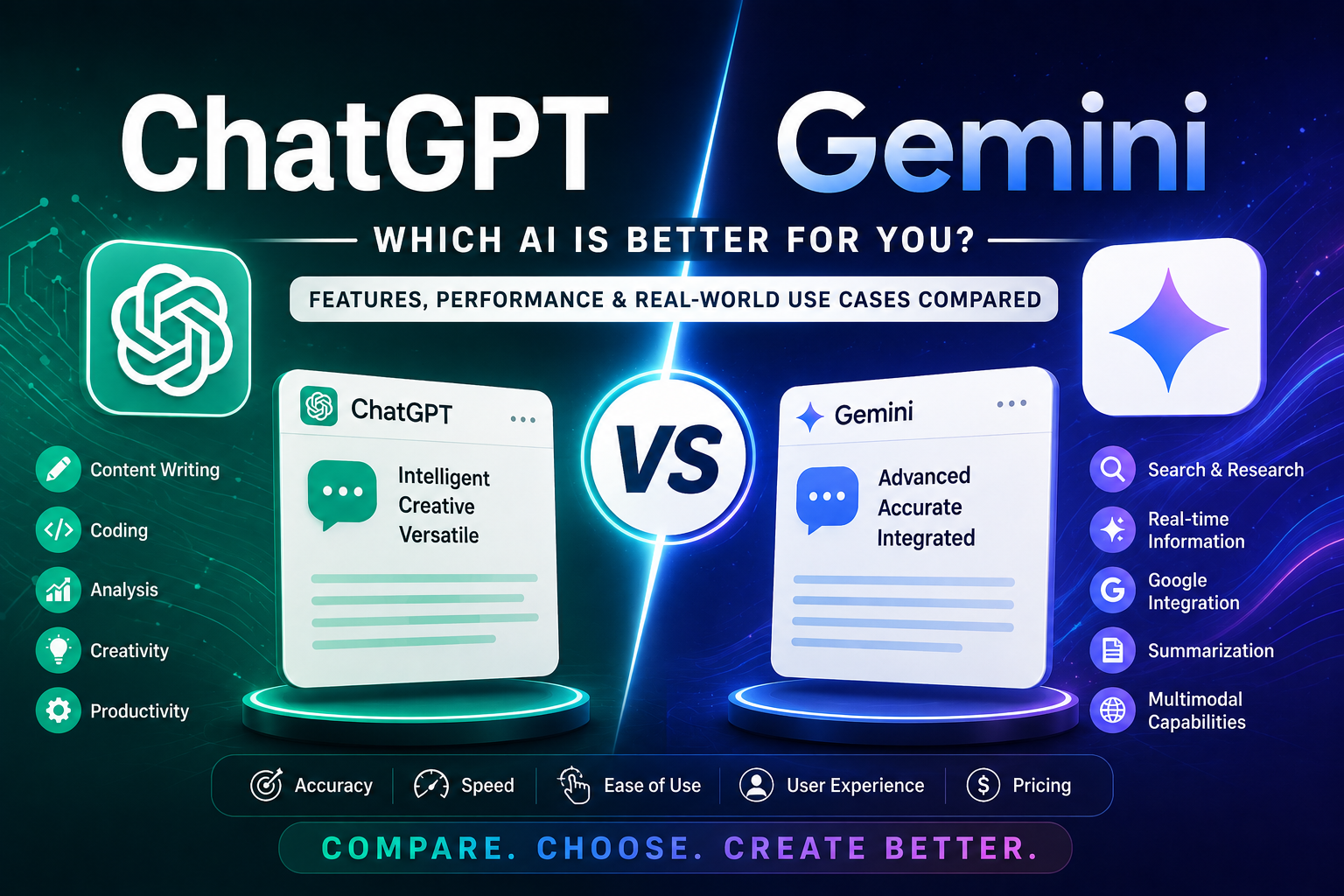
Artificial Intelligence has become an essential part of daily work, whether you’re writing content, coding, researching, designing presentations, or analyzing data. Among the most popular AI assistants available today are ChatGPT by OpenAI and Gemini by Google.
Both tools are incredibly powerful, but they excel in different areas. So, which one is better for your needs?
In this detailed comparison, we’ll explore the strengths, weaknesses, features, pricing, and best use cases of ChatGPT and Gemini to help you make the right choice.
What is ChatGPT?
ChatGPT is an AI assistant developed by OpenAI. It helps users generate text, write code, answer questions, brainstorm ideas, create marketing content, summarize documents, and much more.
Over the years, ChatGPT has evolved into a complete productivity assistant capable of handling complex workflows, creating images, analyzing files, and even helping businesses automate tasks.
Best For
- Bloggers
- SEO professionals
- Digital marketers
- Students
- Developers
- Business owners
- Content creators
What is Gemini?
Gemini is Google’s AI assistant integrated into the Google ecosystem. It combines advanced language capabilities with real-time access to Google Search and works seamlessly with Gmail, Docs, Sheets, Drive, and Android devices.
If you already rely heavily on Google’s productivity tools, Gemini becomes a natural extension of your workflow.
Best For
- Google Workspace users
- Students
- Researchers
- Office professionals
- Android users
ChatGPT vs Gemini: Feature Comparison
| Feature | ChatGPT | Gemini |
|---|---|---|
| Writing Quality | ⭐⭐⭐⭐⭐ | ⭐⭐⭐⭐☆ |
| Creative Writing | ⭐⭐⭐⭐⭐ | ⭐⭐⭐⭐☆ |
| Coding Assistance | ⭐⭐⭐⭐⭐ | ⭐⭐⭐⭐☆ |
| Real-Time Web Information | ⭐⭐⭐⭐⭐ | ⭐⭐⭐⭐⭐ |
| Google Workspace Integration | ⭐⭐☆☆☆ | ⭐⭐⭐⭐⭐ |
| File Analysis | ⭐⭐⭐⭐⭐ | ⭐⭐⭐⭐☆ |
| Image Generation | ⭐⭐⭐⭐⭐ | ⭐⭐⭐⭐☆ |
| SEO Content | ⭐⭐⭐⭐⭐ | ⭐⭐⭐⭐☆ |
| Brainstorming | ⭐⭐⭐⭐⭐ | ⭐⭐⭐⭐☆ |
| Ease of Use | ⭐⭐⭐⭐⭐ | ⭐⭐⭐⭐⭐ |
1. Writing and Content Creation
If your primary goal is creating blogs, social media posts, emails, website copy, or marketing campaigns, ChatGPT generally produces more natural, engaging, and polished content.
It understands tone, audience, and formatting exceptionally well.
Gemini also generates quality content but often produces responses that feel more formal and concise.
Winner: ChatGPT
2. SEO Performance
For SEO professionals, ChatGPT is particularly useful because it can help with:
- Keyword clustering
- Meta titles
- Meta descriptions
- Blog outlines
- Internal linking ideas
- FAQ generation
- Schema markup
- Content optimization
Gemini performs well for research but isn’t always as strong in creating highly optimized SEO content.
Winner: ChatGPT
3. Research and Web Search
Gemini benefits from its close integration with Google’s services, making it convenient for researching topics and pulling together information from the web.
ChatGPT also provides web search capabilities (when enabled), allowing it to access current information, compare sources, and summarize recent developments.
For users already working within Google Search and Workspace, Gemini feels especially seamless.
Winner: Tie
4. Coding
Developers use AI for:
- Python
- JavaScript
- HTML
- CSS
- SQL
- React
- APIs
- Debugging
ChatGPT usually provides clearer explanations, better debugging support, and more complete code examples.
Gemini performs well but can occasionally be less detailed when troubleshooting complex problems.
Winner: ChatGPT
5. Google Workspace Integration
This is where Gemini shines.
It integrates directly with:
- Gmail
- Google Docs
- Google Sheets
- Google Slides
- Google Drive
- Google Calendar
This allows users to summarize emails, draft documents, organize spreadsheets, and manage information without switching between multiple tools.
Winner: Gemini
6. Image Generation
ChatGPT can generate images directly from prompts and edit existing images, making it useful for:
- Blog featured images
- Social media graphics
- Marketing banners
- Product mockups
- Illustrations
- Concept art
Gemini also supports image generation in supported experiences, but ChatGPT typically offers a more integrated creative workflow.
Winner: ChatGPT
7. Learning and Education
Both AI assistants are excellent learning companions.
You can ask them to:
- Explain difficult concepts
- Solve math problems
- Summarize textbooks
- Create study notes
- Generate quizzes
- Translate languages
Gemini is particularly helpful for users already studying within Google’s ecosystem, while ChatGPT often provides more conversational, step-by-step explanations.
Winner: Tie
8. Business Productivity
Businesses use AI for:
- Customer support
- Email writing
- Report generation
- Marketing
- Sales
- Documentation
- Workflow automation
ChatGPT offers broader flexibility across many business tasks, while Gemini is especially efficient for organizations that rely heavily on Google Workspace.
Winner: Depends on your workflow
Pricing Comparison
ChatGPT
Free Plan
- Basic AI assistance
- Web search features
- Limited image generation
- File uploads with usage limits
Paid Plans
Paid plans unlock higher usage limits, faster performance, access to more capable models, expanded image generation, and additional advanced features.
Gemini
Free Plan
- AI chat
- Google ecosystem access
- Basic productivity features
Paid Plans
Higher-tier plans provide access to more advanced AI capabilities, larger context windows, and deeper integration with Google Workspace.
Pros and Cons
ChatGPT
Pros
- Excellent writing quality
- Better creative thinking
- Strong coding support
- Great for SEO
- Powerful image generation
- Flexible across many use cases
Cons
- Some advanced capabilities require a paid subscription.
- Google Workspace integration is not as deeply built-in as Gemini.
Gemini
Pros
- Excellent Google integration
- Great for research
- Strong productivity features
- Works naturally with Android
- Helpful for Google Docs and Gmail users
Cons
- Creative writing can be less engaging.
- SEO-focused content may require more editing.
Which One Should You Choose?
Choose ChatGPT if you:
- Write blogs regularly
- Create marketing content
- Work in SEO
- Need coding assistance
- Generate images
- Want an all-purpose AI assistant
Choose Gemini if you:
- Use Gmail every day
- Work extensively in Google Docs or Sheets
- Prefer Google’s ecosystem
- Conduct frequent online research
- Use Android as your primary device
Final Verdict
Both ChatGPT and Gemini are among the best AI assistants available in 2026, and the right choice depends on how you work.
If your focus is content creation, SEO, marketing, programming, brainstorming, and creative projects, ChatGPT is likely to be the better fit.
If your daily workflow revolves around Google Workspace, Gmail, Docs, and Android, Gemini offers a highly convenient and integrated experience.
Many professionals use both tools together—ChatGPT for creating and refining content, and Gemini for managing tasks within Google’s ecosystem.
As AI continues to evolve, choosing the assistant that aligns with your workflow will help you save time, improve productivity, and work more efficiently.
Frequently Asked Questions (FAQs)
Is ChatGPT better than Gemini?
It depends on your needs. ChatGPT generally excels in creative writing, SEO, coding, and image generation, while Gemini stands out for its integration with Google Workspace.
Which AI is best for students?
Both are excellent. ChatGPT often provides more detailed explanations, whereas Gemini integrates well with Google Docs and other study tools.
Which AI is better for SEO?
ChatGPT is generally preferred for SEO tasks such as keyword research, content planning, metadata creation, and content optimization.
Can I use both ChatGPT and Gemini for free?
Yes. Both platforms offer free plans with useful features, while paid subscriptions provide access to more advanced capabilities and higher usage limits.