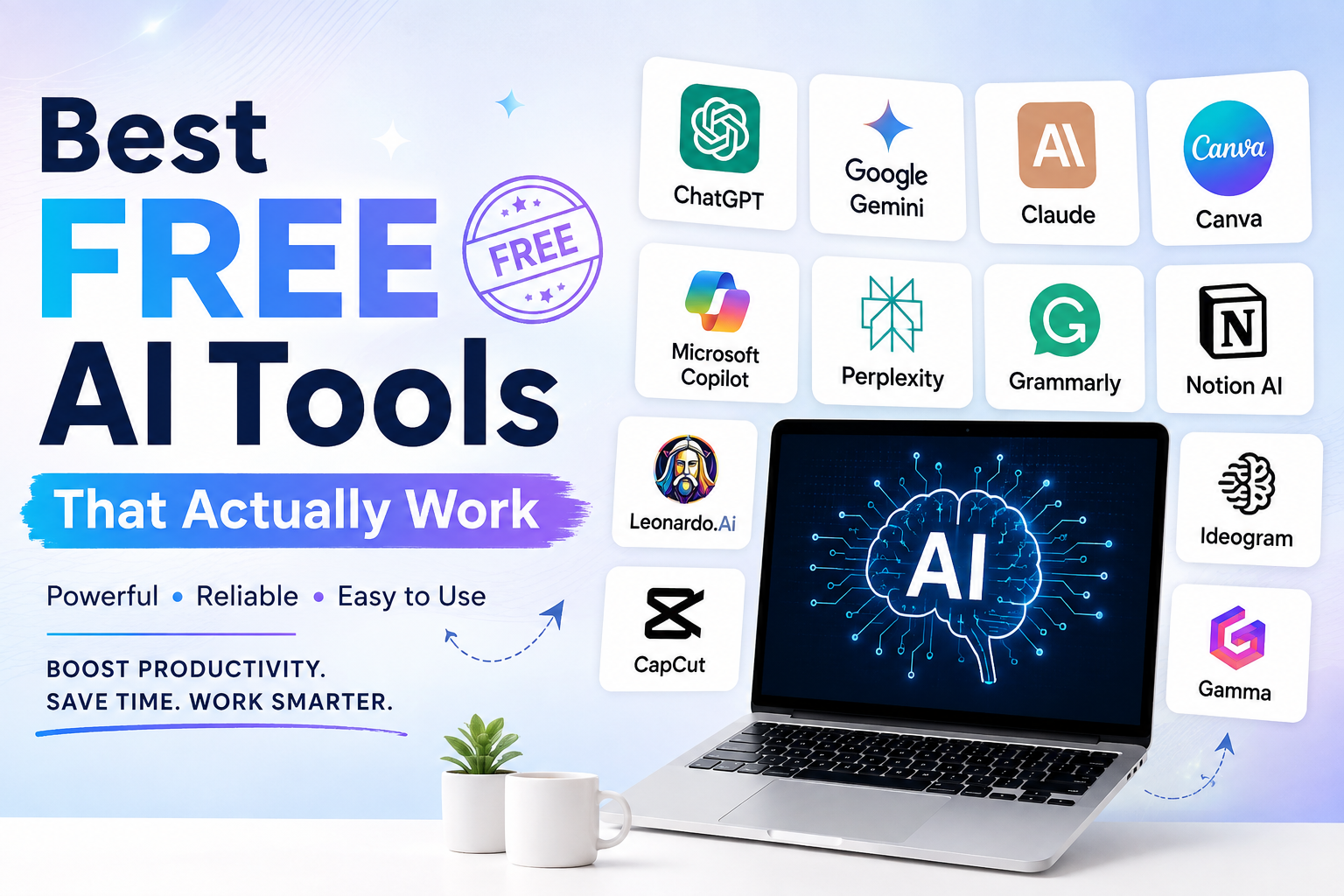
Artificial Intelligence is no longer just a buzzword—it’s becoming an essential part of how we work, learn, create, and grow online. From writing content and designing graphics to editing videos and automating daily tasks, AI tools can save hours of effort.
The problem? There are thousands of AI tools available, and many promise more than they deliver.
To save you time, I’ve compiled a list of the best free AI tools that actually work in 2026. These tools offer generous free plans and deliver real value without requiring expensive subscriptions.
Why Use Free AI Tools?
Whether you’re a student, freelancer, content creator, digital marketer, or business owner, AI can help you:
- Save time on repetitive tasks
- Improve productivity
- Create better content
- Generate creative ideas
- Design professional graphics
- Automate workflows
- Learn new skills faster
The best part? Many powerful AI tools are completely free to get started.
1. ChatGPT
Best For: Writing, brainstorming, coding, learning, and research
ChatGPT remains one of the most versatile AI assistants available. Whether you’re writing blogs, emails, social media posts, or even debugging code, it can significantly reduce your workload.
Free Features
- Blog writing
- Email drafting
- Resume creation
- Coding assistance
- Brainstorming ideas
- Learning new topics
- Summarizing documents
Pros
- Easy to use
- Fast responses
- Excellent writing quality
- Great for beginners
2. Google Gemini
Best For: Research and Google Workspace users
Gemini integrates well with Google’s ecosystem, making it a useful assistant for students and professionals.
Free Features
- Research assistance
- Document generation
- Gmail support
- Spreadsheet help
- Coding support
Pros
- Strong factual responses
- Excellent Google integration
- Helpful for productivity
3. Canva AI
Best For: Graphic Design
Creating professional-looking graphics has never been easier.
Canva AI helps users generate presentations, social media posts, logos, thumbnails, and marketing creatives with just a prompt.
Free Features
- AI image generation
- Magic Write
- Background remover (limited)
- Presentation creator
- Social media templates
Perfect for:
- Instagram creators
- Small businesses
- Digital marketers
4. Microsoft Copilot
Best For: Office Productivity
If you work with Word, Excel, or PowerPoint, Copilot can speed up document creation and data analysis.
Free Features
- Writing assistance
- Web search
- Summaries
- Coding help
- Spreadsheet formulas
5. Claude AI
Best For: Long-form writing
Claude excels at handling large documents and generating detailed responses.
It works well for:
- Research papers
- Reports
- Articles
- Documentation
- Content editing
One of its biggest strengths is maintaining context across longer conversations.
6. Perplexity AI
Best For: AI Search Engine
Instead of showing endless search results, Perplexity provides direct answers backed by sources.
It’s particularly useful for:
- Fact-checking
- Research
- Current information
- Academic work
7. Grammarly AI
Best For: Writing Improvement
Grammarly now goes beyond grammar checking by offering AI-powered writing suggestions.
It can help you:
- Rewrite sentences
- Improve clarity
- Correct grammar
- Change tone
- Write professional emails
Ideal for students, professionals, and bloggers.
8. Notion AI
Best For: Productivity & Note Taking
If you manage projects or keep digital notes, Notion AI can summarize, organize, and generate content within your workspace.
Use it for:
- Meeting notes
- Task lists
- Project planning
- Brainstorming
- Documentation
9. Leonardo AI
Best For: AI Image Generation
Leonardo AI is one of the best free tools for creating stunning artwork, game assets, product images, and digital illustrations.
Popular among:
- Designers
- Game developers
- Content creators
- Marketers
10. Ideogram AI
Best For: AI Images with Accurate Text
Many AI image generators struggle with text, but Ideogram produces posters, logos, banners, and social media graphics with readable typography.
Perfect for:
- YouTube thumbnails
- Posters
- Marketing creatives
- Business advertisements
11. CapCut AI
Best For: Video Editing
CapCut now includes several AI-powered editing features.
Free features include:
- Auto captions
- Background removal
- AI voiceovers
- Text-to-video
- Video enhancement
Great for YouTube Shorts, Instagram Reels, and TikTok creators.
12. Gamma AI
Best For: AI Presentations
Need to create a presentation in minutes?
Gamma can generate beautiful presentations from a simple prompt.
Ideal for:
- Students
- Teachers
- Business professionals
- Startups
Comparison Table
| Tool | Best For | Free Version |
|---|---|---|
| ChatGPT | Writing & Productivity | ✅ Yes |
| Google Gemini | Research | ✅ Yes |
| Canva AI | Design | ✅ Yes |
| Claude AI | Long-form Writing | ✅ Yes |
| Perplexity AI | AI Search | ✅ Yes |
| Grammarly AI | Grammar & Writing | ✅ Yes |
| Notion AI | Productivity | Limited |
| Leonardo AI | AI Images | ✅ Yes |
| Ideogram AI | Posters & Logos | ✅ Yes |
| CapCut AI | Video Editing | ✅ Yes |
| Gamma AI | Presentations | ✅ Yes |
Which Free AI Tool Should You Choose?
Here’s a quick recommendation based on your needs:
- For blog writing: ChatGPT
- For SEO research: Perplexity AI
- For graphic design: Canva AI
- For AI images: Leonardo AI
- For presentations: Gamma AI
- For grammar checking: Grammarly AI
- For video editing: CapCut AI
- For research: Google Gemini
- For long-form documents: Claude AI
Final Thoughts
The AI landscape continues to evolve rapidly, and many free tools now offer capabilities that were once available only through expensive software. Whether you’re creating content, managing projects, editing videos, or designing visuals, there’s likely a free AI tool that can make your work easier.
Rather than installing dozens of apps, start with two or three tools that match your daily tasks. As your needs grow, you can explore premium features—but for many users, the free versions are more than enough.
If you’re just getting started, try combining ChatGPT for writing, Canva AI for design, and Perplexity AI for research. This combination covers most everyday content creation and productivity needs without any upfront cost.
FAQs
1. What is the best free AI tool in 2026?
ChatGPT is one of the best all-around free AI tools for writing, brainstorming, learning, and productivity.
2. Which free AI tool is best for graphic design?
Canva AI is an excellent choice for creating social media graphics, presentations, posters, and marketing materials.
3. Are free AI tools good enough for professionals?
Yes. Many professionals use free AI tools for writing, research, design, and workflow automation. Upgrading is usually only necessary for higher usage limits or advanced features.
4. Which AI tool is best for content creators?
A combination of ChatGPT, Canva AI, CapCut AI, and Perplexity AI works well for creating blogs, videos, graphics, and research-backed content.
5. Can I use free AI tools for SEO?
Yes. ChatGPT can help with content creation, while Perplexity AI supports research and fact-finding. These tools can complement your SEO workflow when paired with keyword research and analytics tools.